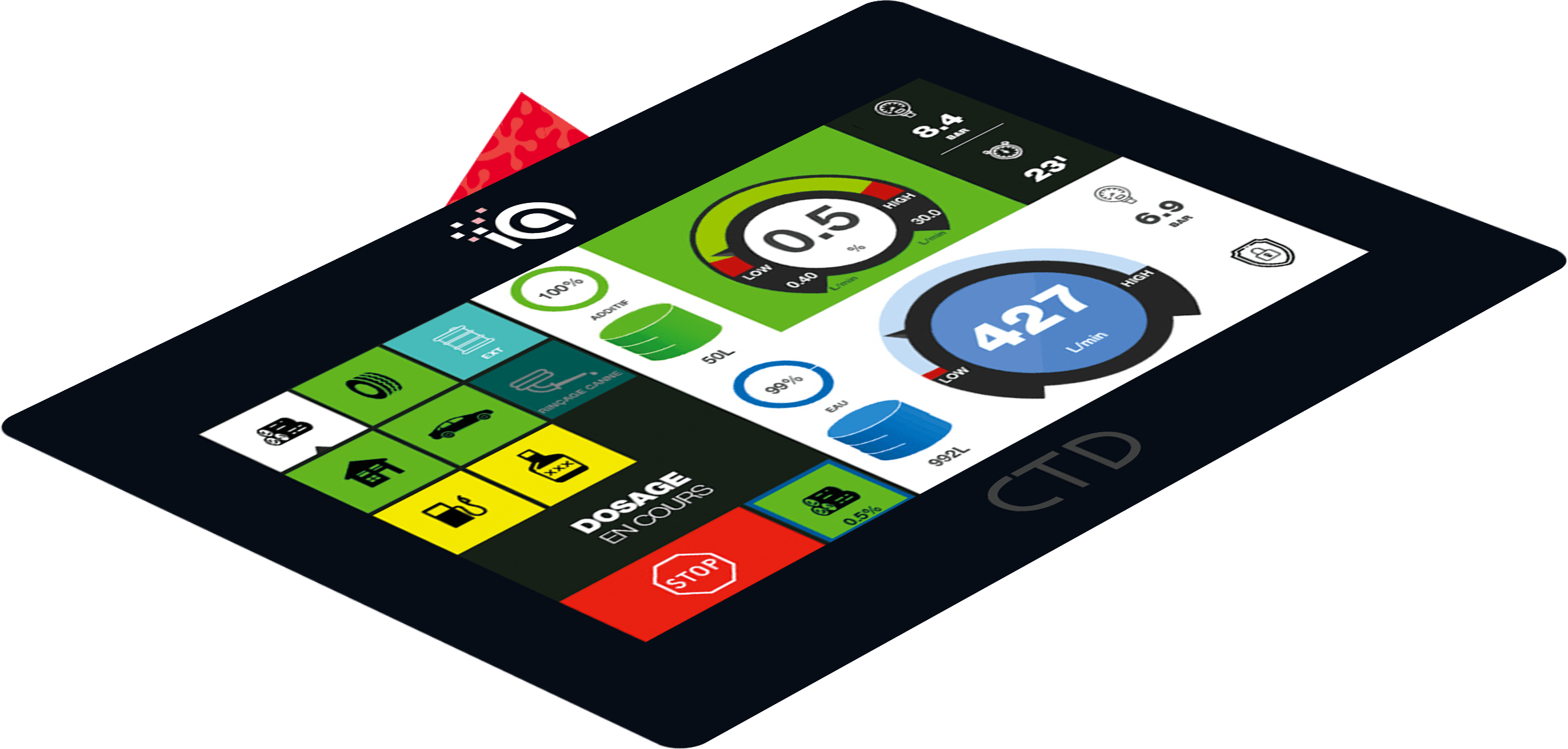
This dynamic interface makes it possible to regulate the dosage of up to 3 different products. Its many additional functions bring comfort to the user. New Wi-Fi and Sat-Nav technologies integrated into the screen ensure the device’s connectivity and the traceability of fire interventions. The fully customizable screen display (colours, languages, keys, etc.) fully adapts to the working methods of firefighters around the world.
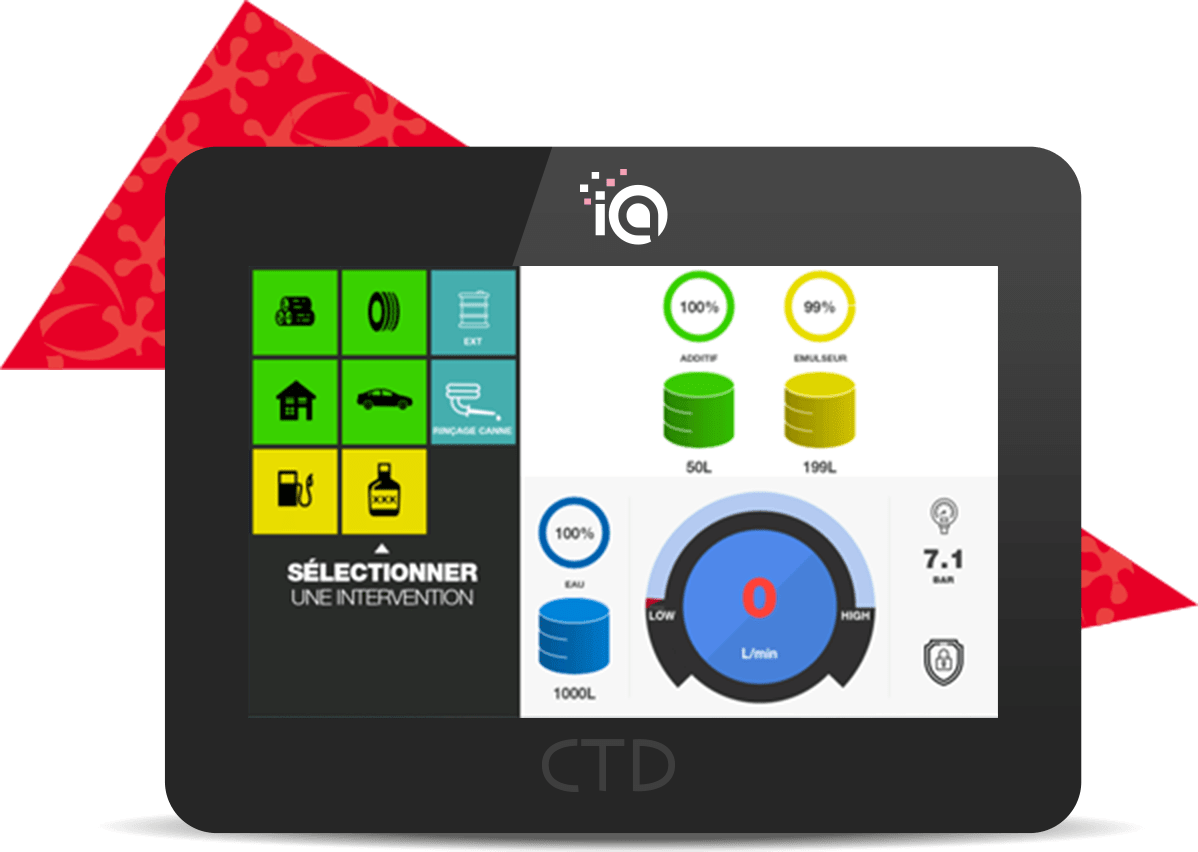

The screen manages the dosage regulation. The system is put into operation by means of pre-programmed intervention keys. The dosage is controlled by automated priming, flushing and frost protection cycles. A stop button is used to end the intervention and to save the work information. A simplified display is also available on this screen.
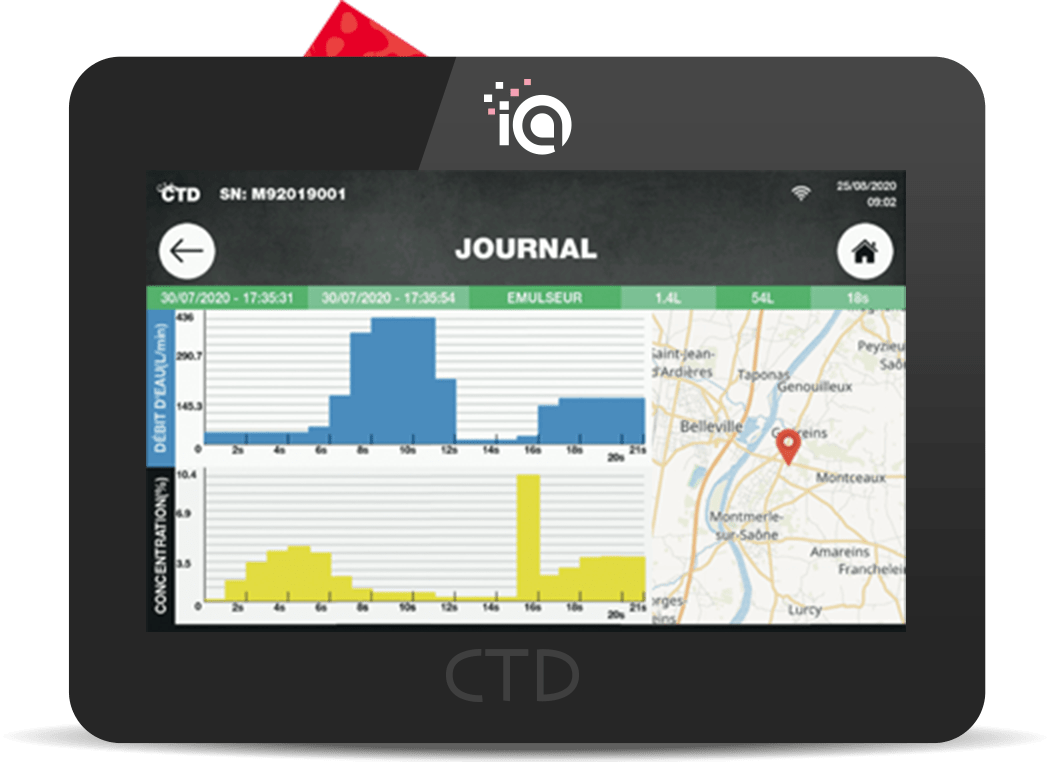

The screen records information related to interventions. The quantity of water and product used as well as the duration of the intervention are recorded in a report accessible from the screen. A detailed analysis is presented in the form of graphs ensuring traceability of the use of the product during the intervention. The system’s Sat Nav records the location of the intervention thus completing the report. A fault log is also available.
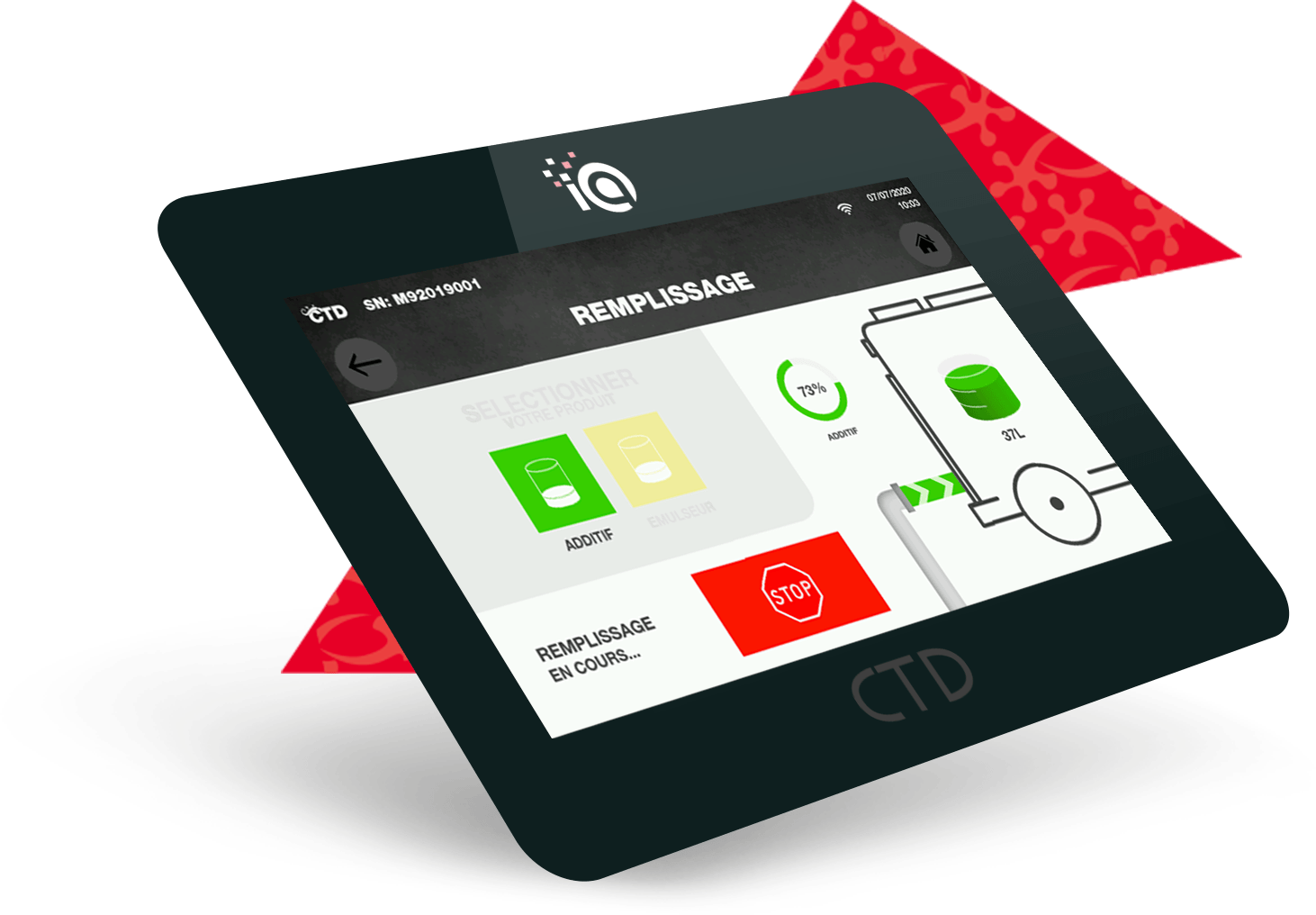

The tank filling can be managed by our interface by using the pump of the dosing system to fill up the product tank at the end of the fire operation. A transfer from the tank to the outlet can also be done through the screen in order to supply foam concentrate to another vehicle.
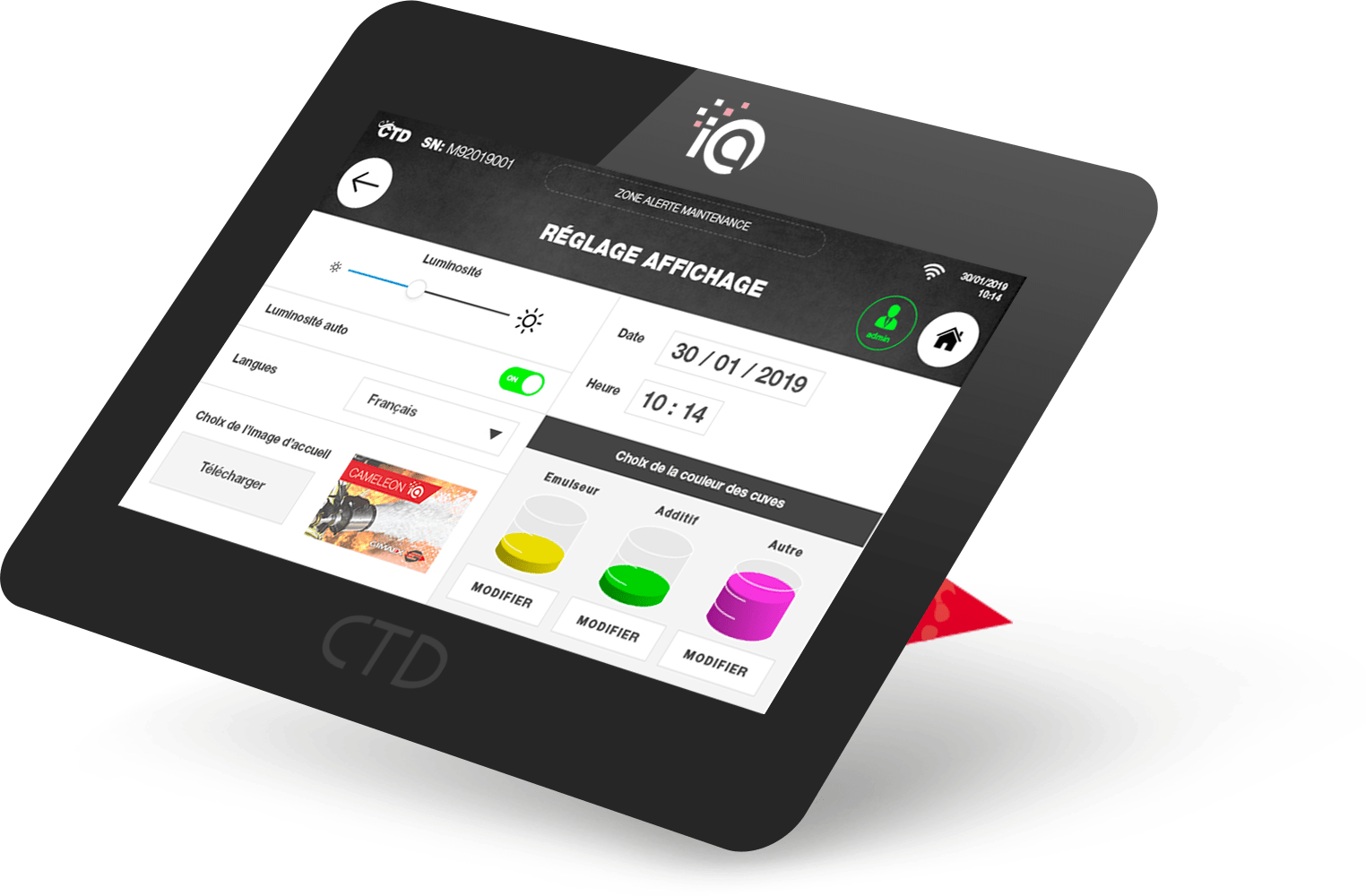

The screen integrates several setting configurations in order to adapt to the system quickly thus simplifying the commissioning at the fire vehicles OEMs. Many screen display options are available so that the user can take ownership of their interface.
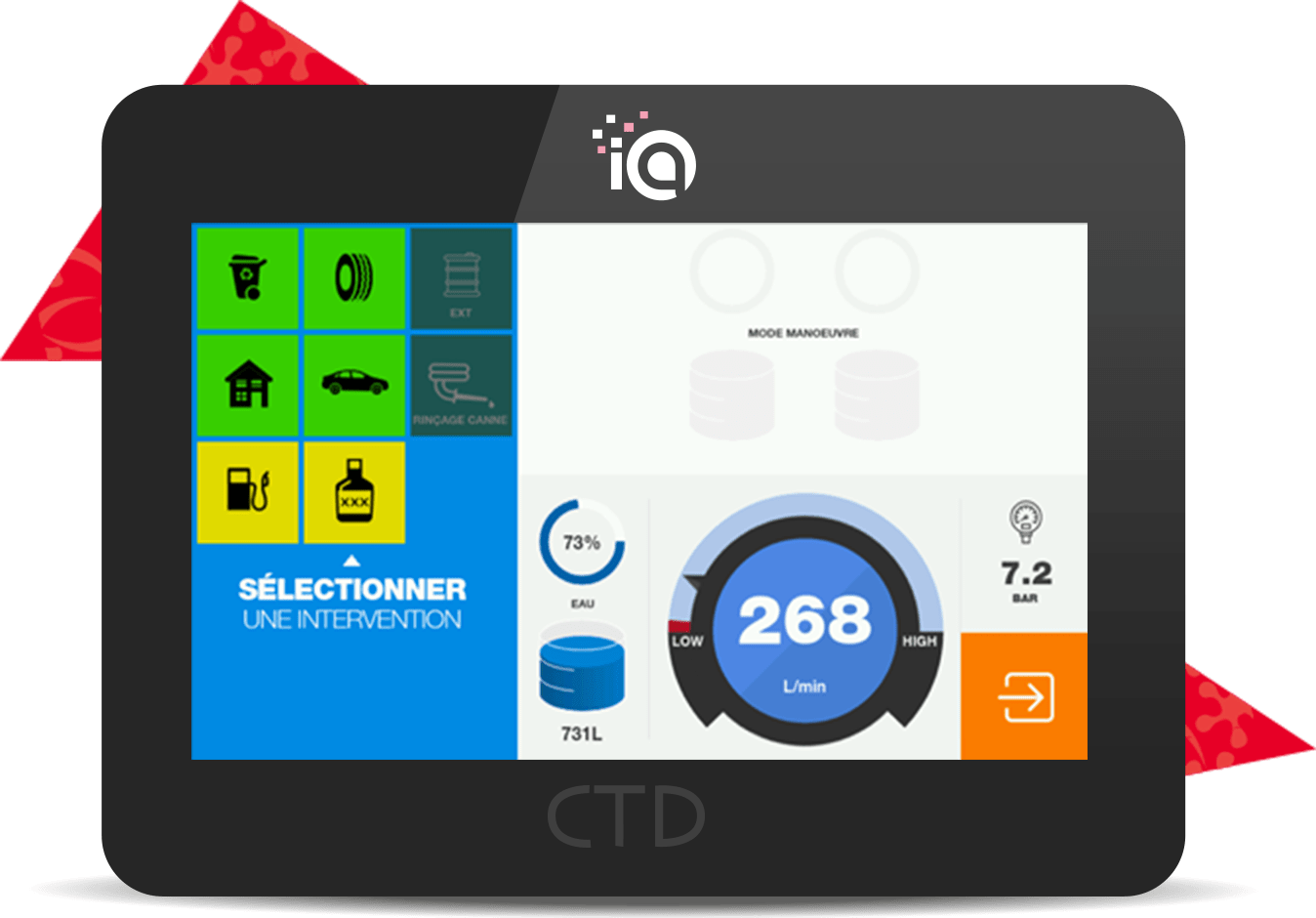

An exercise mode is accessible from the screen in order to use the system without using any product. User training is thus carried out while respecting the environment.
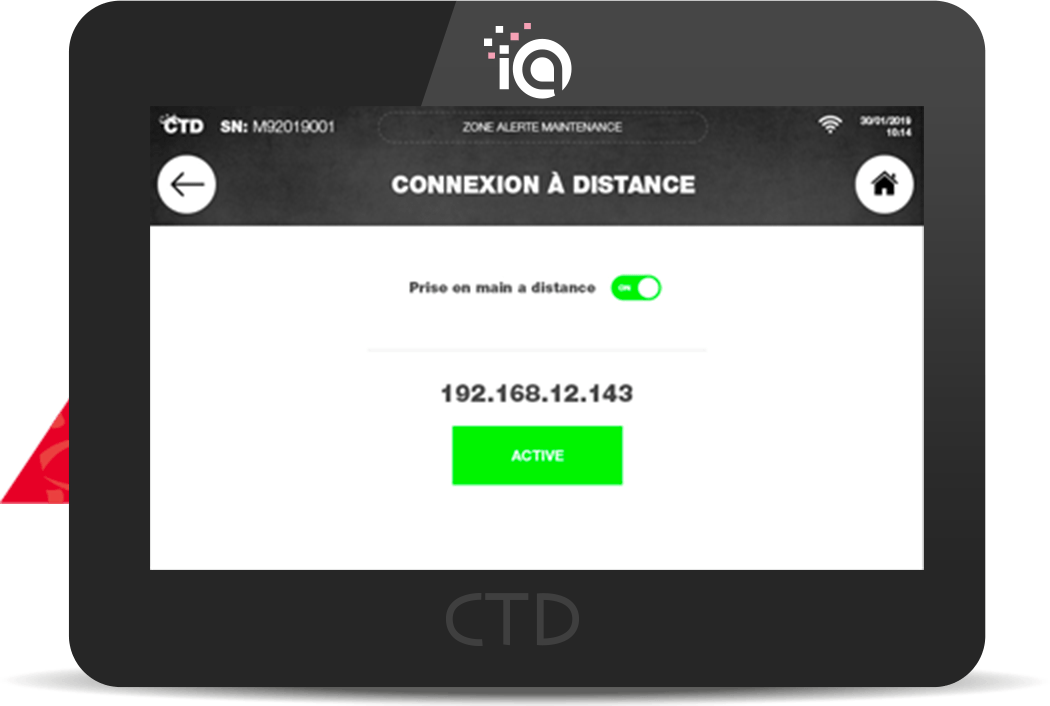

Remote maintenance is available using the screen’s wifi connection. An update or configuration can be carried out by CTD in order to maintain a functional and efficient system.